Download Infinix HOT 40 Pro (X6837) XOS 15 Official Firmware – Full OTA
| Views: 17 | ||
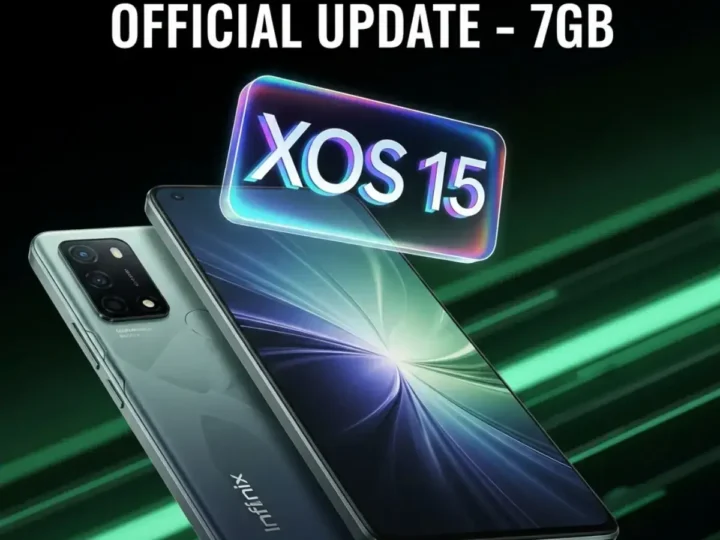
Upgrade your device now. Download the massive 7GB official XOS 15 firmware for Infinix HOT 40 Pro (X6837). Version XOS15.1.2.133 brings improved performance, new UI features, and latest security patches.
The Infinix HOT 40 Pro (Model: X6837) has received a major system update. This is the official XOS 15 Full Firmware package, version XOS15.1.2.133X6837NGVH. Unlike small security patches, this is a massive 7GB full system file, designed to upgrade the OS, overhaul the UI, and fix deep-level system bugs. It is ideal for users who are not receiving OTA notifications or need to manually flash the device to fix software corruption.
Firmware Details
| Device Name | Infinix HOT 40 Pro |
| Model Number | X6837 |
| XOS Version | XOS 15 |
| Build ID | XOS15.1.2.133X6837NGVH |
| File Size | ~7.0 GB |
| Android Version | Android 14 / 15 (Latest Base) |
| Type | Full OTA / Local Update Zip |
| Status | Official Stable |
What’s New in XOS 15?
- Visual Overhaul: New icons, smoother animations, and a refined Control Center.
- Performance: Optimized RAM management for smoother gaming on the Helio G99 chipset.
- System Stability: Fixes known bugs, app crashes, and random reboots.
- Security: Includes the latest Google Security Patch.
How to Install (Local Update Method)
You do not need a PC to install this update. Follow these steps to flash the firmware directly from your phone storage:
- Download the File: Download the
update.zip(7GB) file and save it to the Root Directory of your internal storage (do not put it inside any folder). - Charge Device: Ensure your battery is above 50% to prevent shutdown during installation.
- Open Settings: Go to Settings > System > System Update.
- Select Local Update: Tap the menu icon (three dots) in the top right corner and select “Local Update”.
- Select File: Browse and select the downloaded zip file.
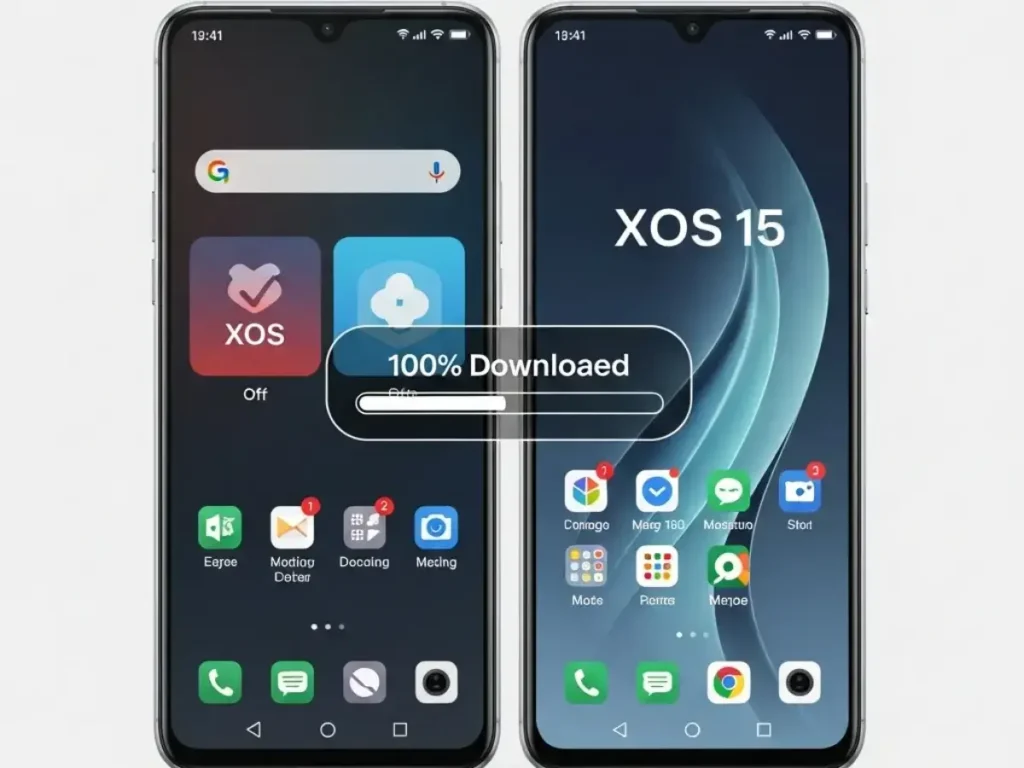
- Install: The device will verify the package and reboot to install. Do not touch the phone until it restarts completely.
⚠️ IMPORTANT NOTE:
This file is specifically for the Infinix HOT 40 Pro (X6837). Flashing this on any other model (like the standard Hot 40) will brick the device. While this is a “No-Data-Loss” update, we highly recommend backing up your important data before proceeding, just to be safe.