Remove FRP on Infinix Smart 8 x6525 Devices 1 Click TSM Tool
| Views: 472 | ||

This guide provides a verified method to remove FRP on Infinix Smart 8 X6525 devices using the TSM Tool. Tested by Haider Raza on Tiger T606 chipset, this 1-click solution works for network unlock, bootloader unlocking, and security resets without data loss.
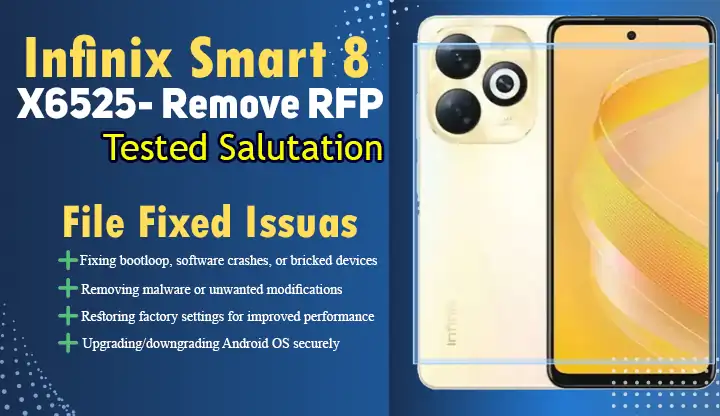
What is FRP and Why Remove It?
FRP is Google’s security feature to prevent unauthorized access after factory resets. If you forget your Google credentials, FRP locks the device. Our method uses the TSM PRO v1.1.6 tool to bypass this on Infinix Smart 8 X6525.
Prerequisites
- Windows PC/Laptop
- Original USB Cable
- TSM Tool (Build 2024.11.29)
- SPRD U2S Diag Drivers installed
Step-by-Step FRP Removal Guide
Step 1: Connect Device to PC
- Power off your Infinix Smart 8 X6525.
- Press Volume Down + Power to enter SPD mode.
- Connect via COM port (e.g., COM22 as per test report).
Step 2: Configure TSM Tool
- Launch TSM PRO v1.1.6.
- Select operations:
- Remove FRP
- Format userdata/cache
- Reset Security
Tool Output Preview:
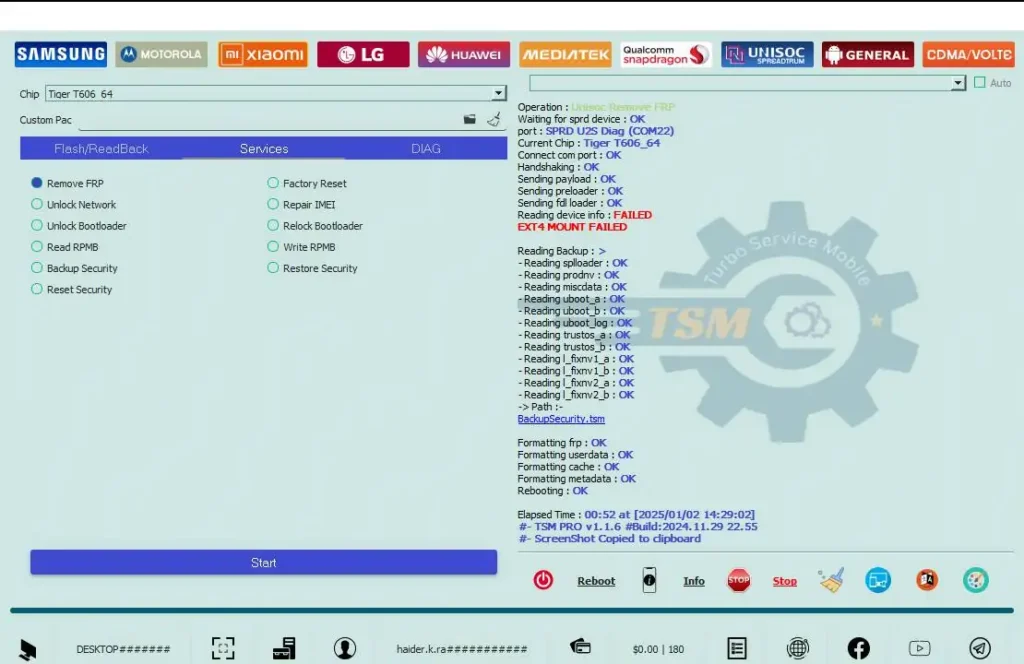
Waiting for sprd device: OK
port: SPRD UZS Diag (COM22)
Current Chip: Tiger T606 64
Connect com port: OK
Handshaking: OK
Sending payload: OK
Sending preloader: OK
Sending fdl loader: OK
Reading device info: FAILED
EXT4 MOUNT FAILED
Reading Backup: >
-Reading splloader: OK
-Reading prodnv: OK
- Reading miscdata: OK
Reading uboot_a: OK
-Reading uboot b: OK
-Reading uboot Jog: DK - Reading trustos a: OK
-Reading trustos_b: OK
-Reading fixnv1 a: OK
-Reading I fixnv1 b: OK
-Reading fixnv2 a: OK
-Reading I_fixnv2_b: OK
-> Path:-
BackupSecurity,tam
Formatting frp: OK
Formatting userdata: OK
Formatting cache: OK
Formatting metadata: OK
Rebooting: OK
Aurbo Service Mobile
TSM
Elapsed Time: 00:52 at [2025/01/02 14:29:02]- -TSM PRO v1.1.6 #Build:2024.11.29 22.55
Need Help?
Join our Infinix Support Forum for real-time assistance with firmware flashing.