Infinix Smart 7 X6515 Factory Signed Firmware Flash File
| Views: 852 | ||
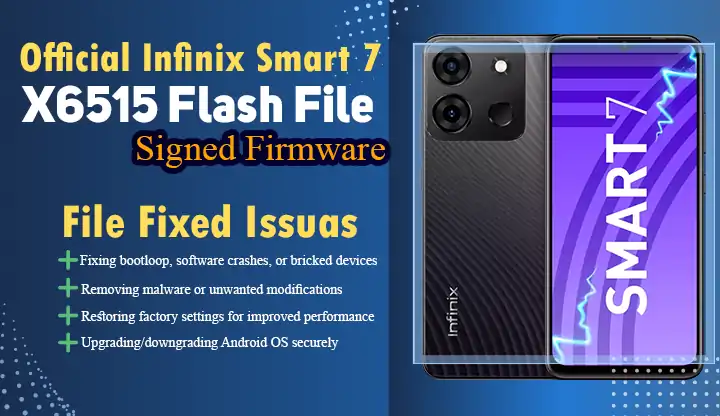
Get the official Infinix Smart 7 X6515-H6127HIJAiAjAk-S-OP-240509V1495 Factory Signed Firmware flash file. Fix software issues, restore device functionality, and ensure security.Fixing bootloop, software crashes, or bricked devices, Removing malware or unwanted modifications,
Why You Need the Infinix Smart 7 X6515 Factory Firmware
The Infinix Smart 7 X6515-H6127HIJAiAjAk-S-OP-240509V1495 Factory Signed Firmware:
- Fixing bootloop, software crashes, or bricked devices
- Removing malware or unwanted modifications
- Restoring factory settings for improved performance
- Upgrading/downgrading Android OS securely
Key Features of X6515-H6127HIJAiAjAk-S-OP-240509V1495 Firmware
✅ Factory-signed (100% official)
✅ Build Date: May 9, 2024
✅ Security Patch: Android S-level encryption
✅ Compatibility: Exclusively for Infinix Smart 7 X6515 model
Prerequisites for Flashing
- Get Files:
- Infinix Smart 7 X6515 Firmware
- SP Flash Tool v6.2312
- USB Drivers for Infinix
- Device Preparation:
- Backup all data (process will wipe device)
- Charge battery to 50% minimum
- Enable OEM Unlocking in Developer Options
Step-by-Step Installation Guide
Step 1: Extract Firmware Package
- Unzip the X6515-H6127HIJAiAjAk-S-OP-240509V1495.zip file
- Locate the
scatter.txtfile in the target_bin folder
Step 2: Configure SP Flash Tool
- Open SP Flash Tool
- Load scatter file
- Select Download Only mode
- SP Flash Tool interface with scatter file loaded
Step 3: Connect Device
- Power off phone completely
- Hold Volume Down + Power button for 5 seconds
- Connect to PC via USB
Step 4: Start Flashing Process
- Click Download button in SP Flash Tool
- Wait for red progress bar completion (5-8 minutes)
Post-Installation Checklist
- Disconnect device after “Download OK” message
- Perform factory reset via recovery mode
- Restore backed-up data
Troubleshooting Common Issues
⚠️ Error 4032:
- Solution: Reinstall USB drivers and retry
⚠️ Firmware Mismatch:
- Confirm model number matches X6515
Final Thoughts
Always use X6515-H6127HIJAiAjAk-S-OP-240509V1495 firmware for guaranteed compatibility. Bookmark this page for future reference and share with other Infinix Smart 7 users!
Need Help?
Join our Infinix Support Forum for real-time assistance with firmware flashing.